

How To View Previously Added O&M Information on Solar Ladder
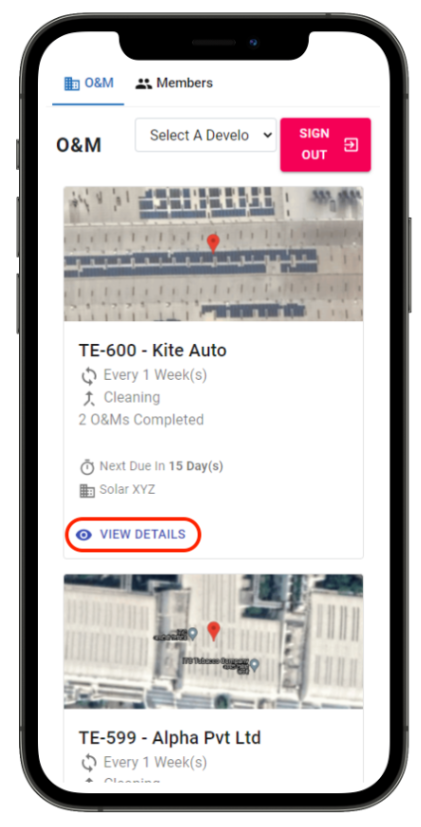
Step 1: Click on "View Details" of the project you want to start O&M for
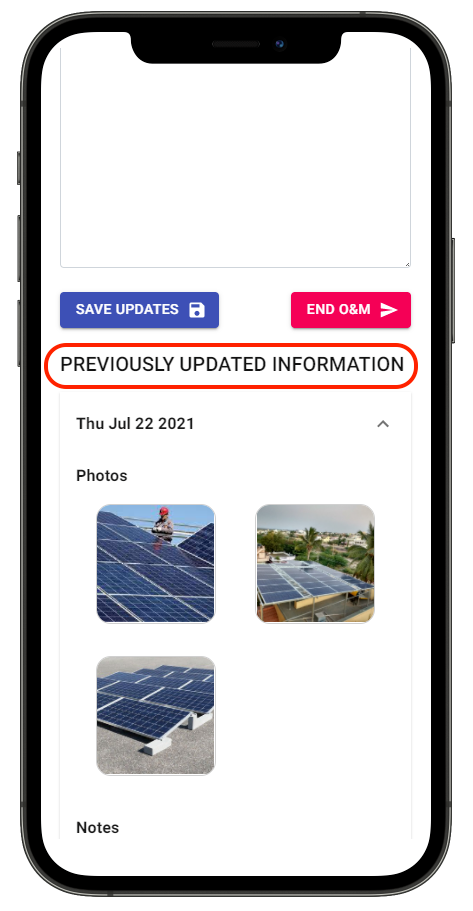
Step 2: Scroll to the bottom of the page
Step 3: Find Previously Updated O&M Information
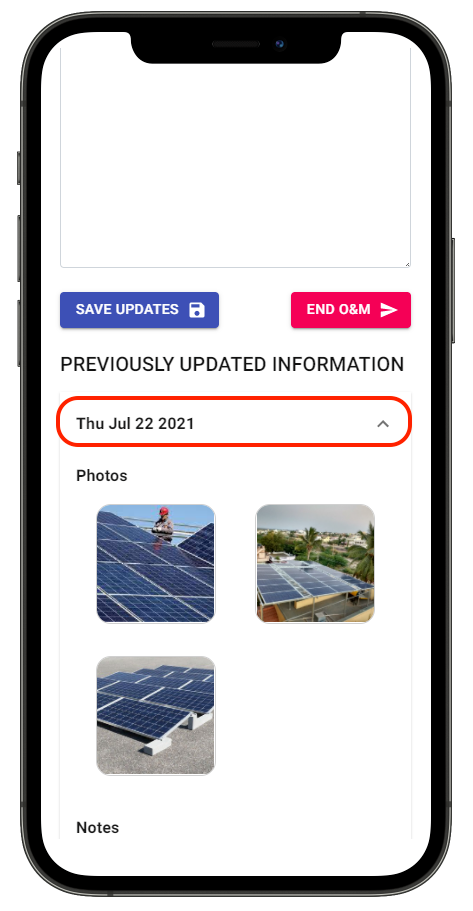
Step 4: Click on the drop down arrow corresponding to O&M update you want to see
Share This Blog Post: