

How to use Graphs in Custom Proposals
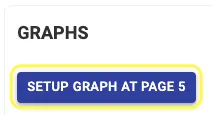
Step 1: While adding details in Custom Proposal, to Setup Graphs, Click on Setup Graph Button
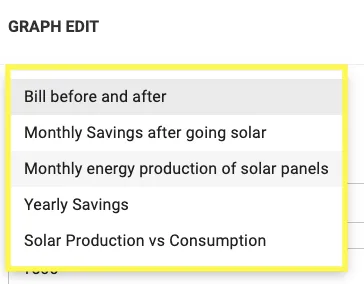
Step 2: Select 1 from the list of 5 Graphs available
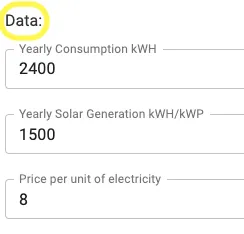
Step 3: Edit as per requirement
Step 4: Change Colour Preferences from Properties as desired

Step 5: Click on Save to save changes

Repeat the same steps for a different type of graph if you have provision to add multiple graphs in your proposal
Share This Blog Post: