

How to Search for a project on Solar Ladder
Step 1: Go to Projects Tab and Click on Search

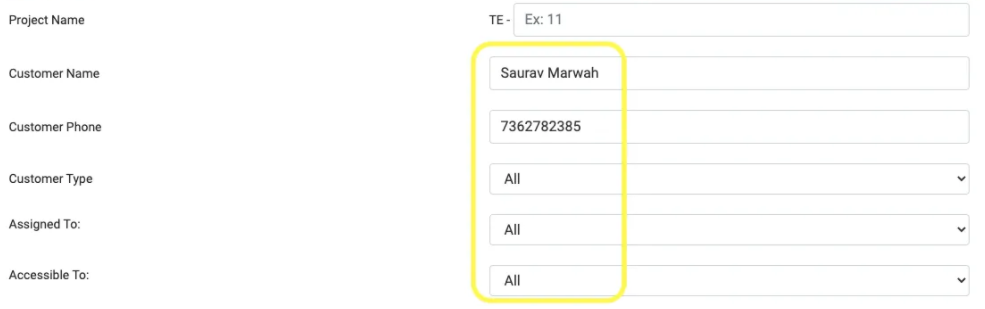
Step 2: Fill one (or more) any of the details of the project
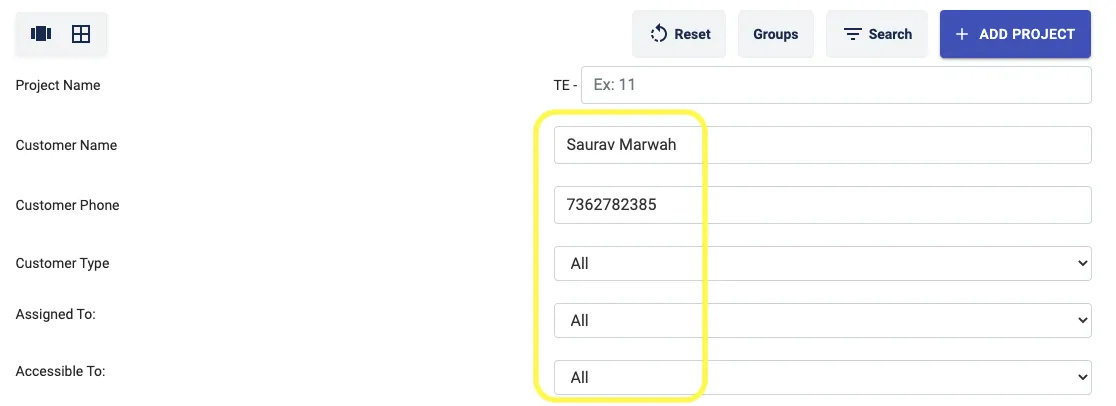
Step 3: Click on Fetch by Filters

The required project will then get displayed in the lane it was last added
If you are in table view
Step 1: Go to Projects Tab and Click on Table View Icon
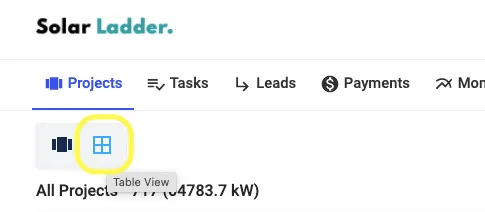
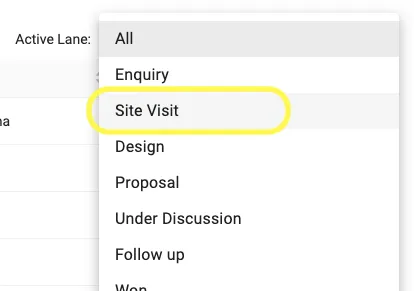
Step 2: Click on the drop down next to Active Lane or Click on Search Button

Step 3: Select the Preferred Lane or Select the filter from the Search Button
Share This Blog Post: