

How To Link Google Forms to Leads Page
Step 1: Go to Google Forms you want to integrate
Step 2: Install the Solar Ladder Google Forms to Leads add-on. (Click Here)
Note: Allow the necessary permissions for the app to connect
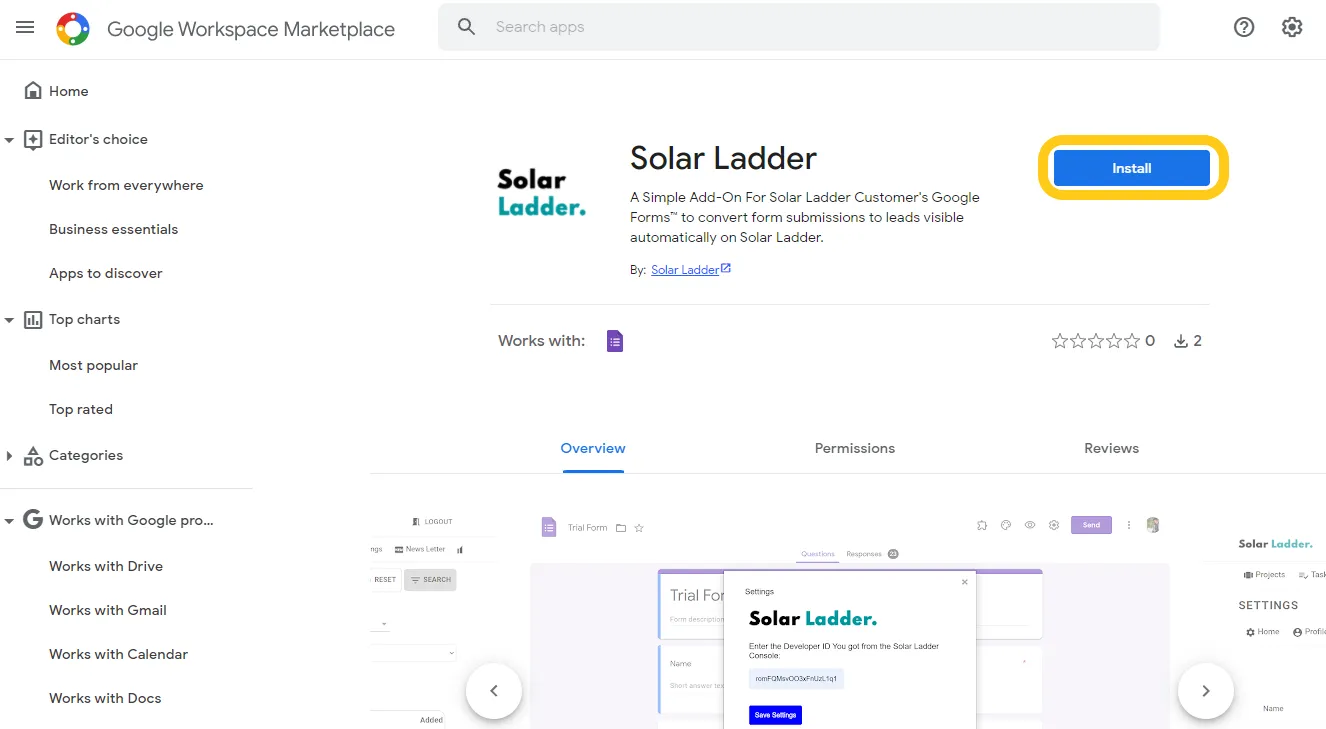
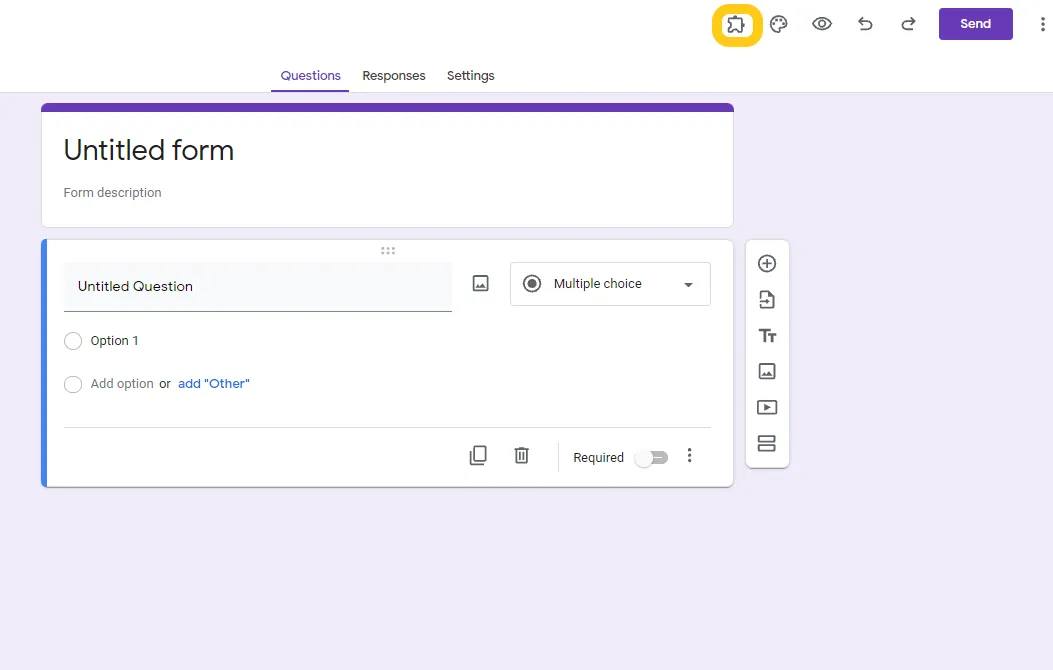
Step 3: Go back to the Google Form you want to link and Refresh the Page. A new Add On Icon will be visible on the Top of the Page
Step 4: On a New Window Go to Solar Ladder Setting Page and Click on Form Integration and Click Add New Google Form

Step 5: Copy the Developer ID and Form ID
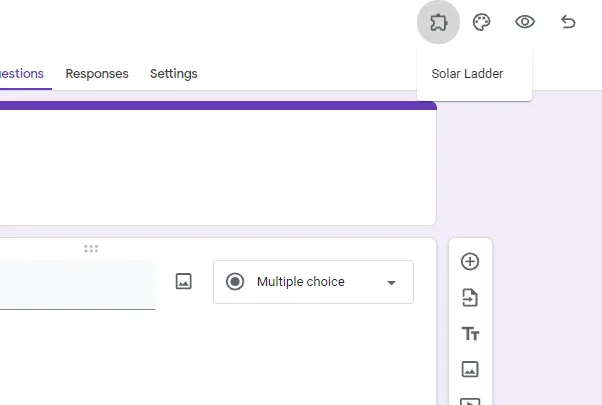
Step 6: Go back to Google Forms and Click the Add On icon and Click on Solar Ladder
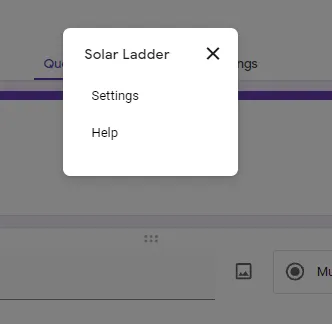
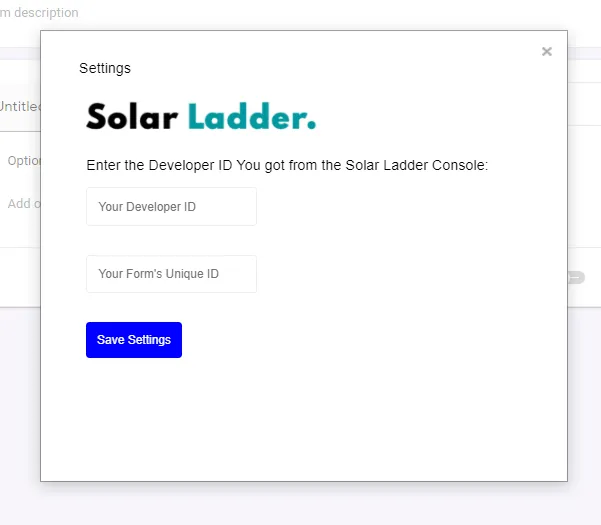
Step 7: Click on Settings
Step 8: Paste the Developer ID and Form ID from Solar Ladder
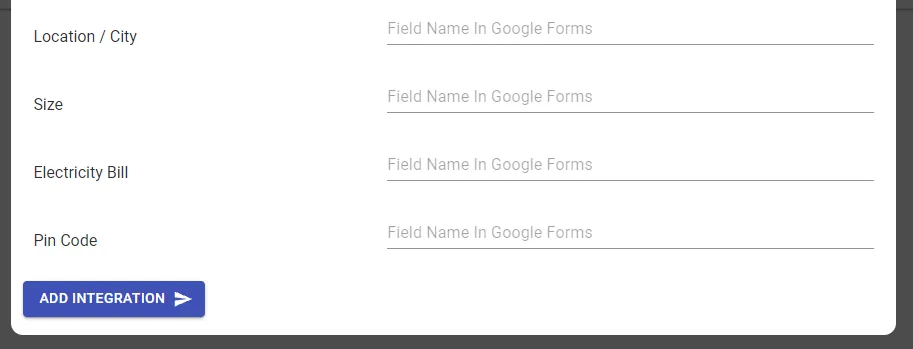
Step 9: Go Back to Solar Ladder and Fill the Form with the corresponding field names in your Google Form and Click Add Integration
Note: If you have already installed the Solar Ladder Add On, you only have to repeat Step 4 to Step 9