

How to Link Customer Generated Ticket with their Project
Step 1: Go to Ticketing Tab

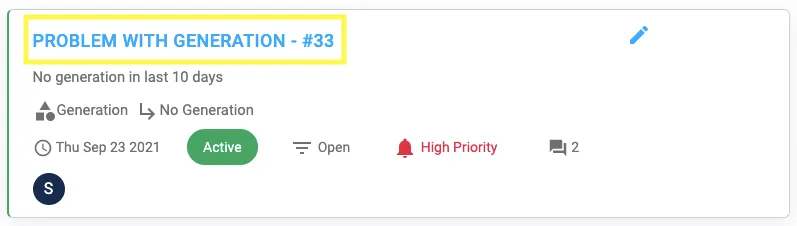
Step 2: Click on the project you want to link
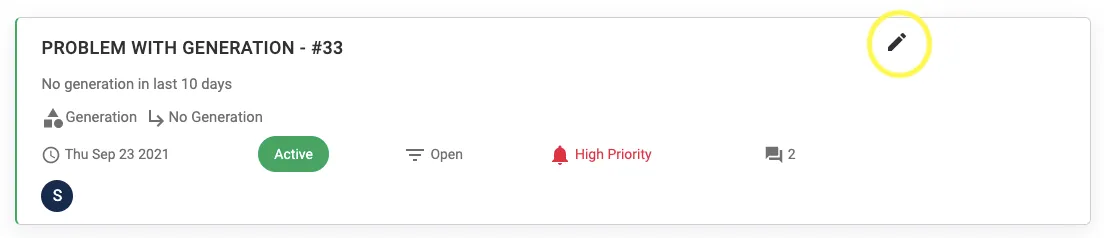
Step 3: Click on the Pen Icon
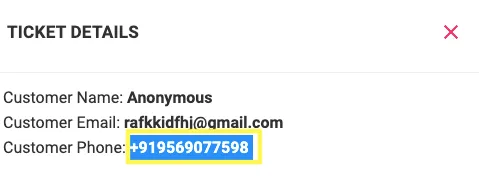
Step 4: Copy the unique Customer Phone Number
Step 5: Go To Projects Dashboard and Search the customer by using the copied number

You will now know which customer raised the ticket
Step 6: Add on the Unique Project ID and Press the arrow
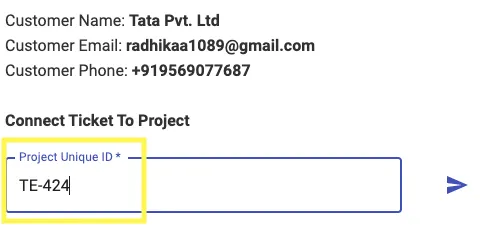
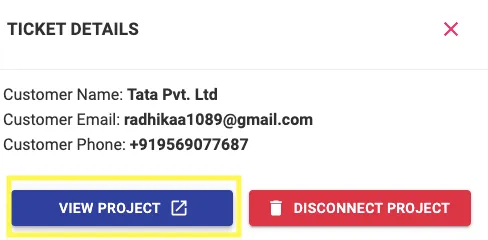
Ticket will be linked to the project
Share This Blog Post: