

How to Edit Customer Information
Step 1: Open the concerned project
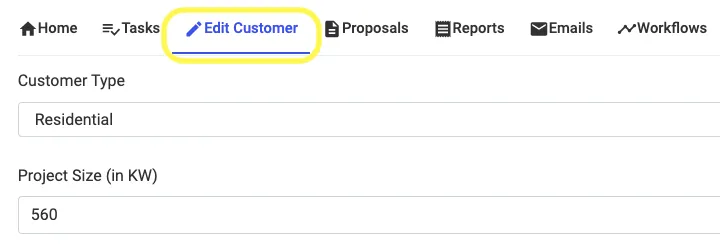
Step 2: Go to Edit Customer Tab and make desired changes
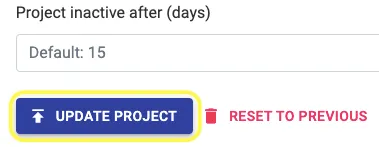
Step 3: Click on Update Project at the bottom of the page to Save the changes
Share This Blog Post:
Step 1: Open the concerned project
Step 2: Go to Edit Customer Tab and make desired changes
Step 3: Click on Update Project at the bottom of the page to Save the changes