

How to do O&M Scheduling for a Project
Step 1: Open the concerned project
Step 2: Go to O&M Tab and Click on > Add Project O&M
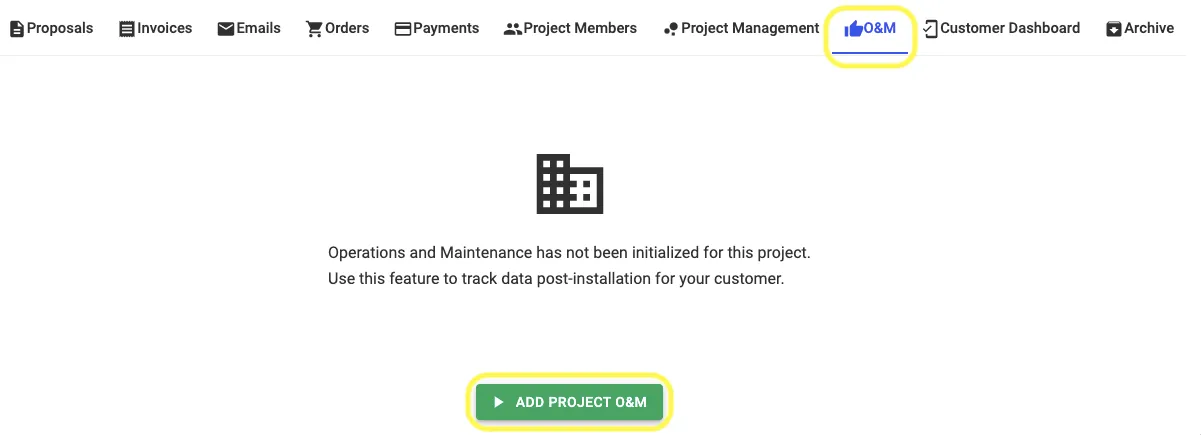
Step 3: Select "Scheduling O&M" in Schedule Type

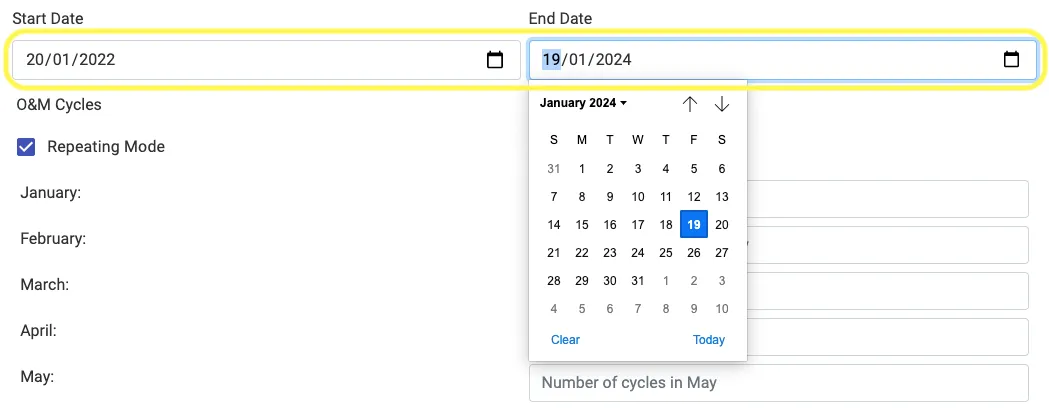
Step 4: Set Start and End Date
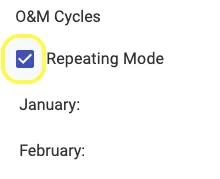
Step 5: Click on "Repeating Mode" if the number of cycles remain same across all years of the contract
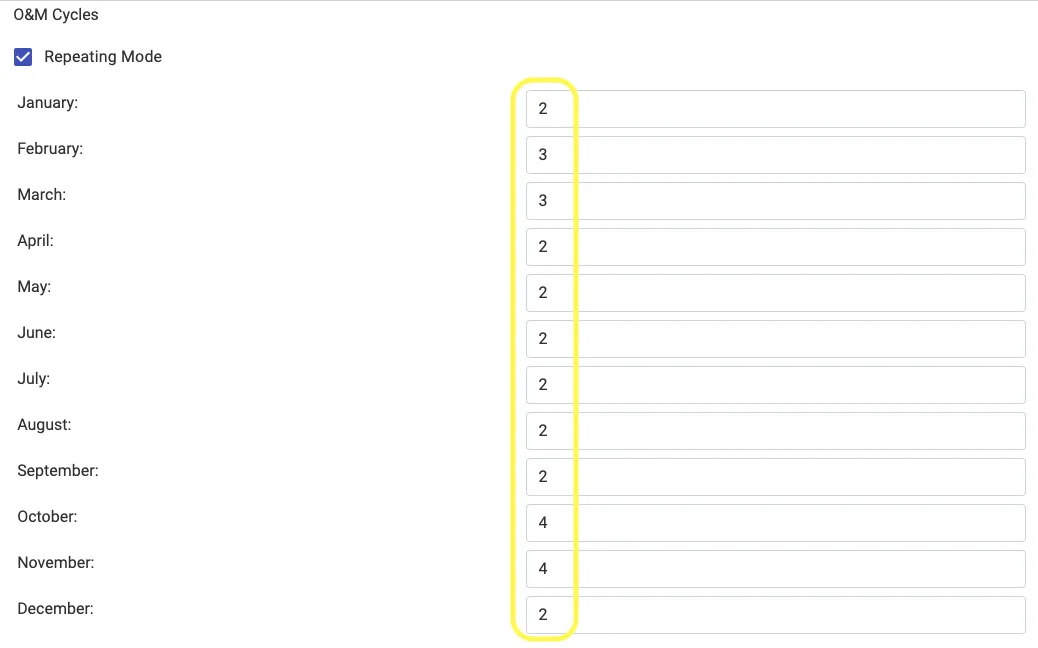
Step 6: Enter on Number of cycles for each month
Step 7: Click on "Create O&M"

Share This Blog Post: