

How To Delete A Project Management Template
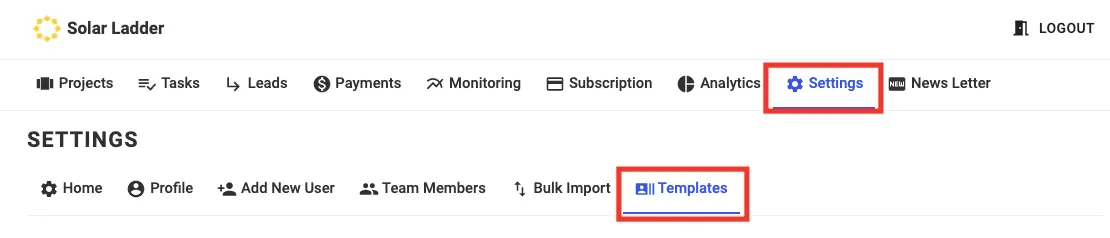
Step 1: Go to Settings and Click on Templates
Step 2: Select the "Bin" Icon on the Template you want to Delete

Step 3: Click on OK
Share This Blog Post:
Step 1: Go to Settings and Click on Templates
Step 2: Select the "Bin" Icon on the Template you want to Delete
Step 3: Click on OK