
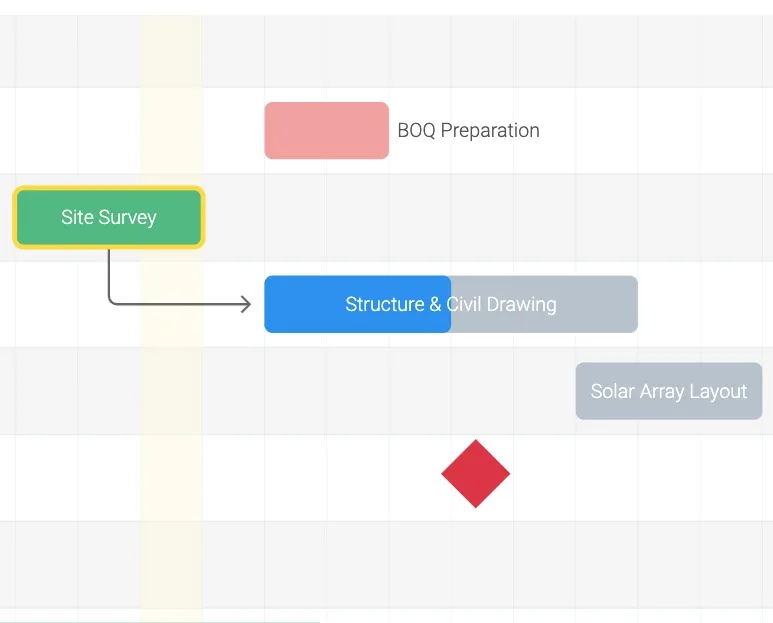
How To Create Dependencies on Project Management Gantt Chart
Farhan Ahmed
1 Min Read
How To Create Dependencies on Project Management Gantt Chart
Step 1: Open Project and Go To Project Management

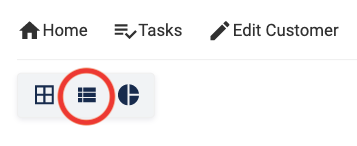
Step 2: Select Gantt Chart Viewing Option
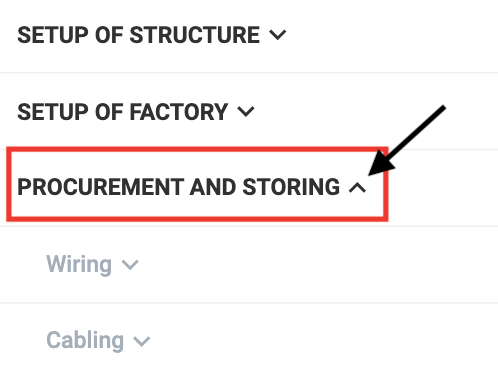
Step 3: Open the Category you want to Create a Dependency in
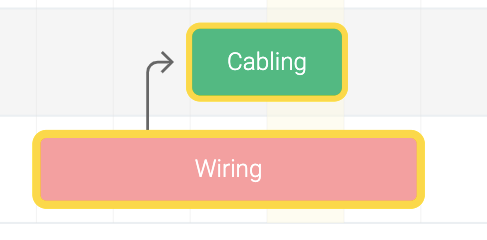
Step 4: Press Ctrl (For Windows OS)/ Command (For Mac/iOS) and Click one by one on the Two Tasks you want to Create Dependency in
Please Note: Backward Dependencies cannot be created

Dependency will be created for the two Selected Tasks as shown below
Share This Blog Post: