
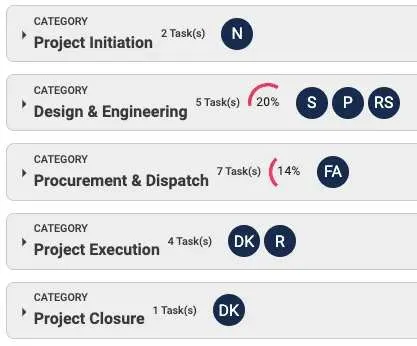
How To Create Categories Project Management
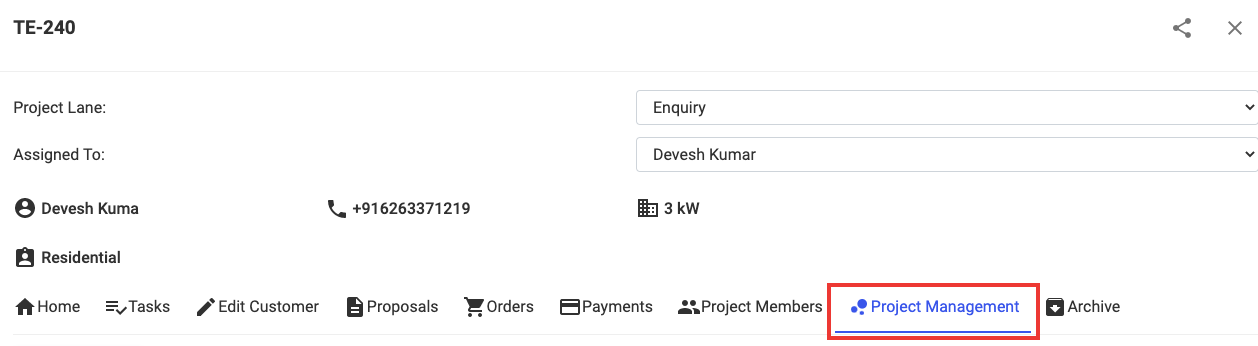
Step 1: Open the project and Click on Project Management
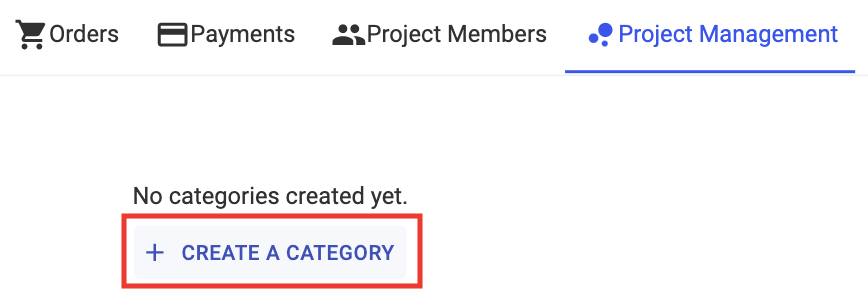
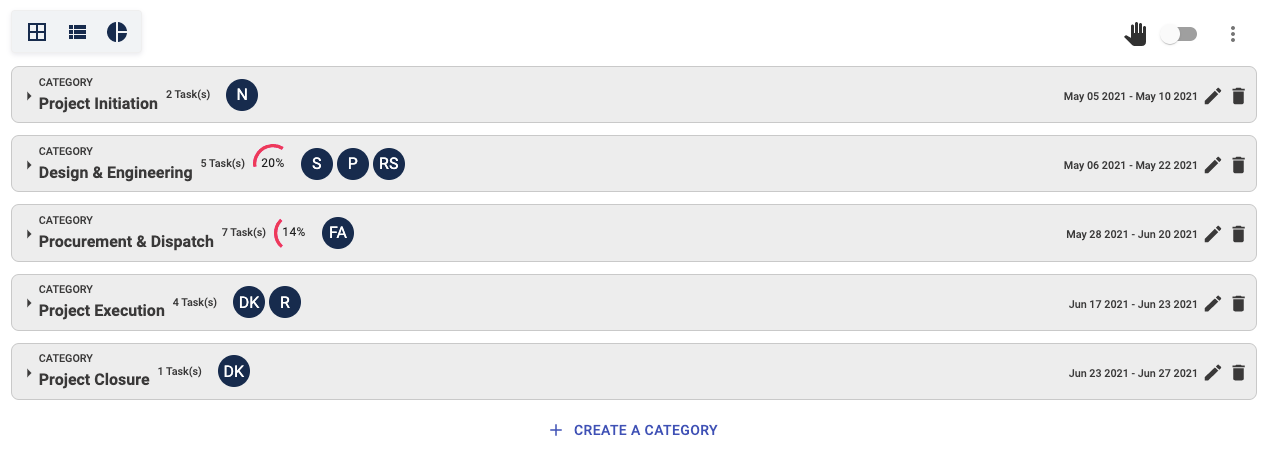
Step 2: Click on + Create A Category
Step 3: Enter the necessary details
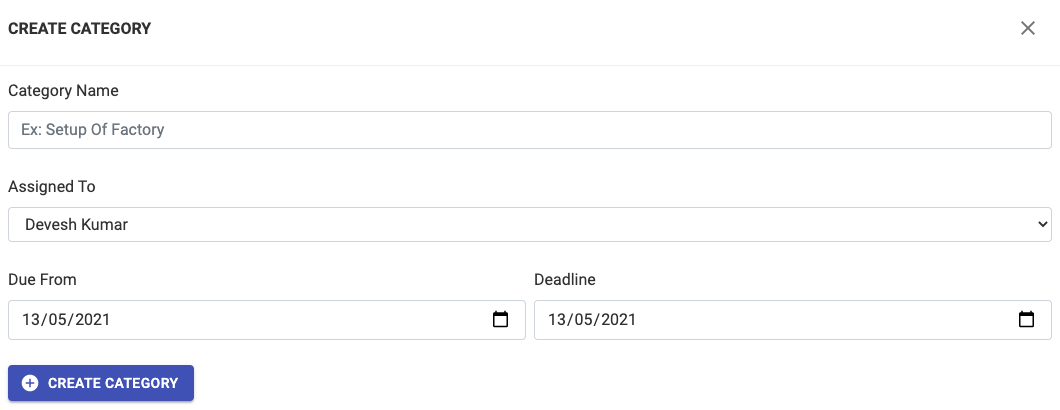
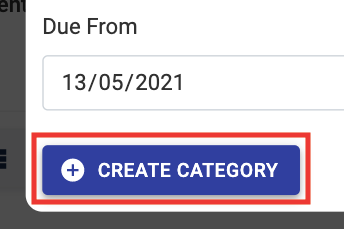
Step 4: Press + Create Category
Please Note: Start by adding the category that comes last on your Project Management cycle and work your way up to the First Stage by adding more Categories
Share This Blog Post: