

How to Check Notifications
Step 1: Click on the Bell Icon next to Logout Button

Step 2: Find all notifications diaplayed; If you want to check a specific type of notification, Click on the filter option
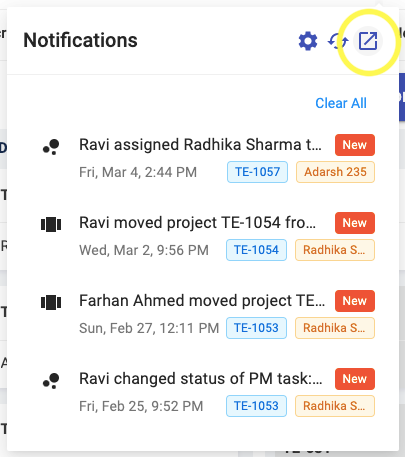
Step 3: Select the Event Type
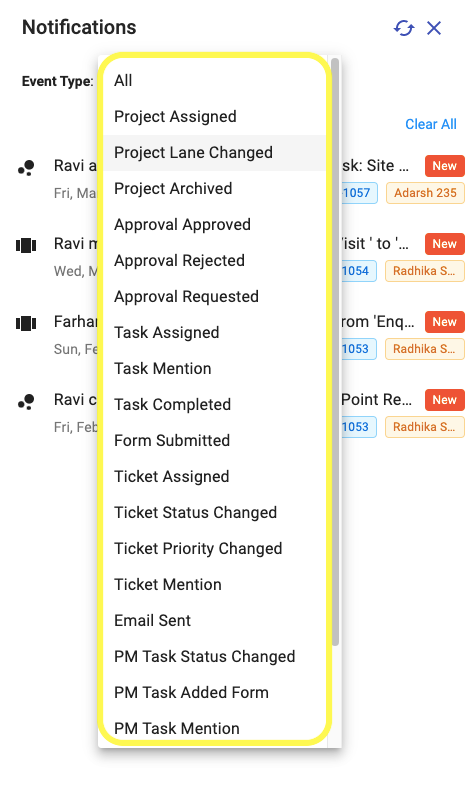
Notifications of the selected Event Type will get displayed
Share This Blog Post: