

How to Add your Team Members to Solar Ladder O&M App
Step 1: Open the link: ompartners.solarladder.com
Step 2: Login via OTP by using your Phone Number (Having difficulty Logining In? Click Here)
Once you have logged into your account,
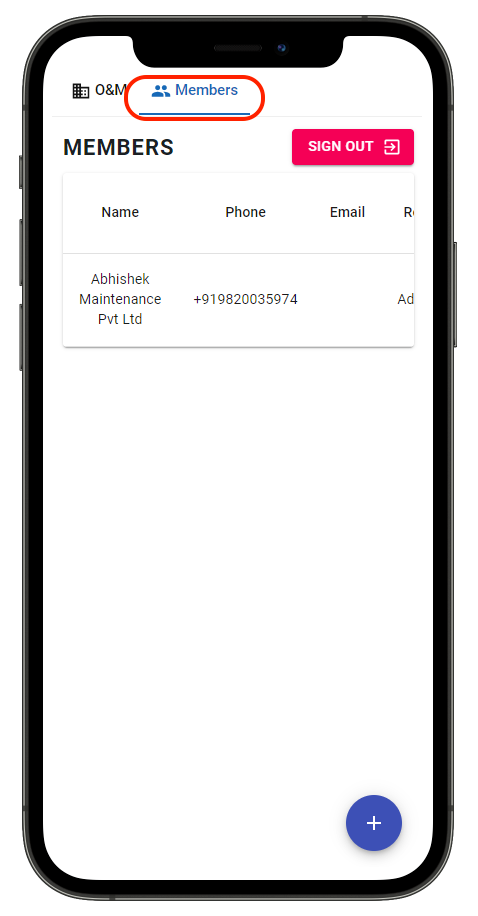
Step 3: Go to the "Members" Tab
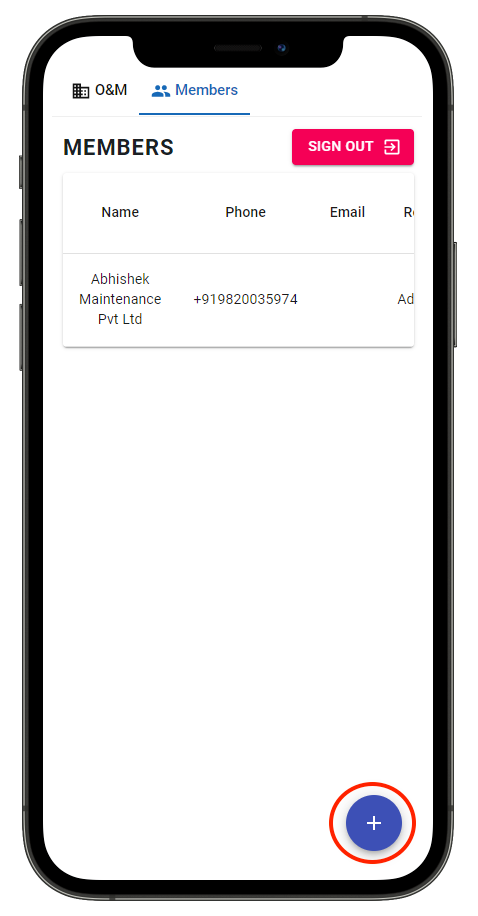
Step 4: Click on the "+" icon on the right bottom of the screen
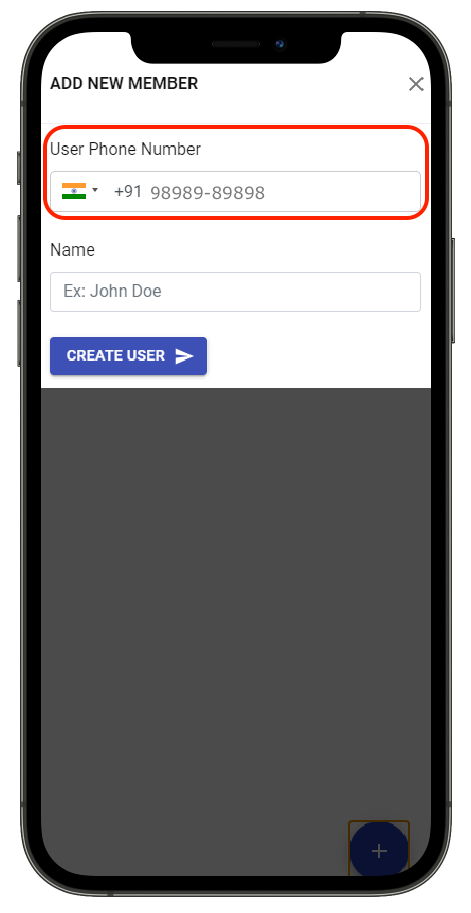
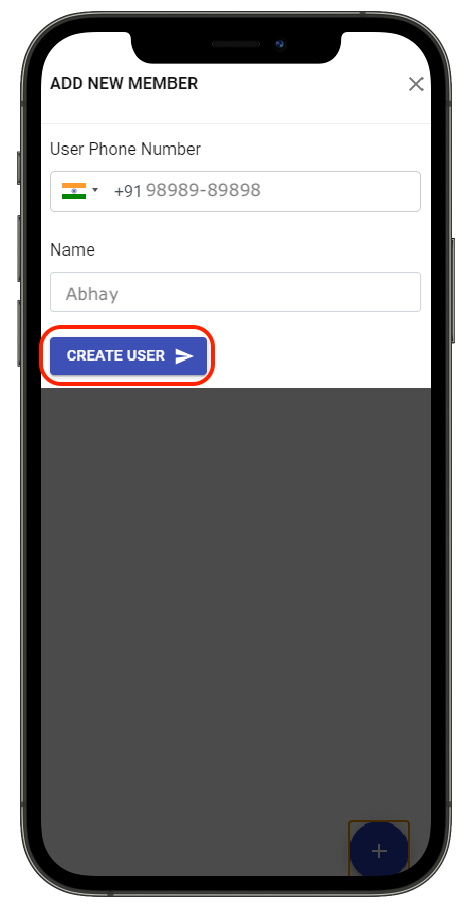
Step 8: Add "Phone Number" of the team member you want to add
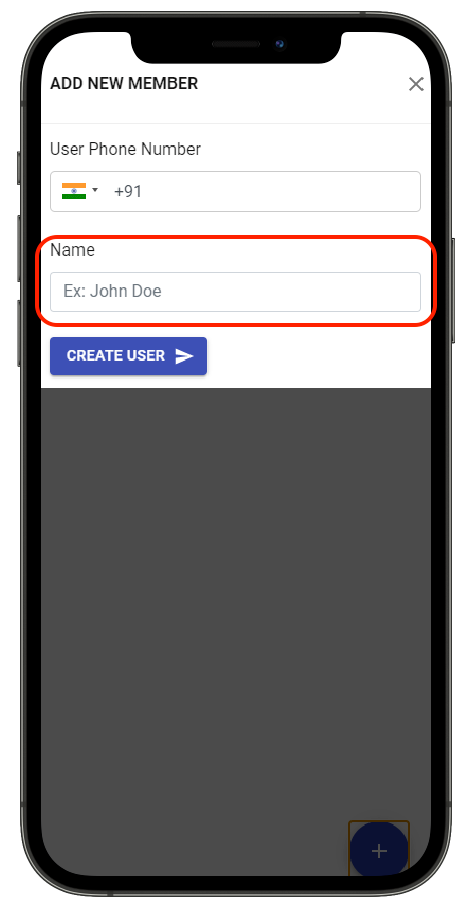
Step 9: Enter their "Name"
Step 10: Click on "Create User" to add a user
The user will be added.
Once the user is added, share the app link with them: ompartners.solarladder.com
Share This Blog Post: