

How To Add Sub - Tasks In Project Management
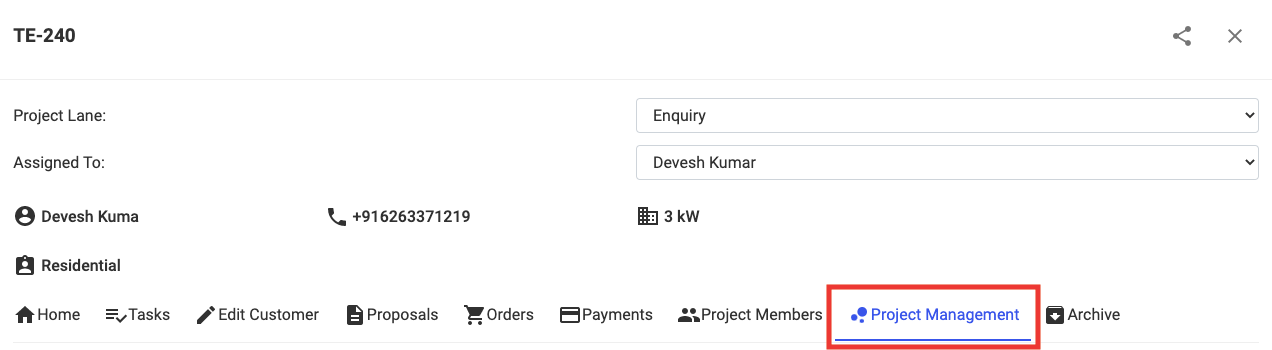
Step 1: Open the Project and Go To Project Management
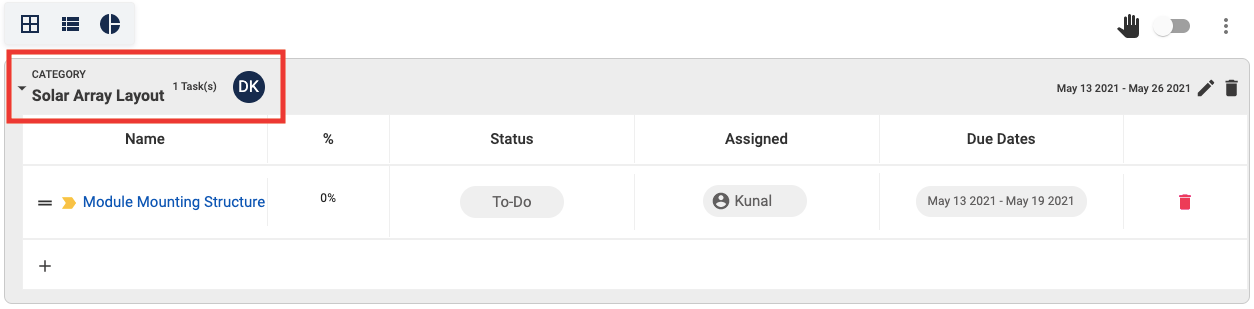
Step 2: Select the Category where the Task you want to create a Sub-Task for is present
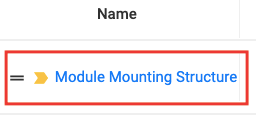
Step 3: Click on the Task you want to create a Sub-Task for
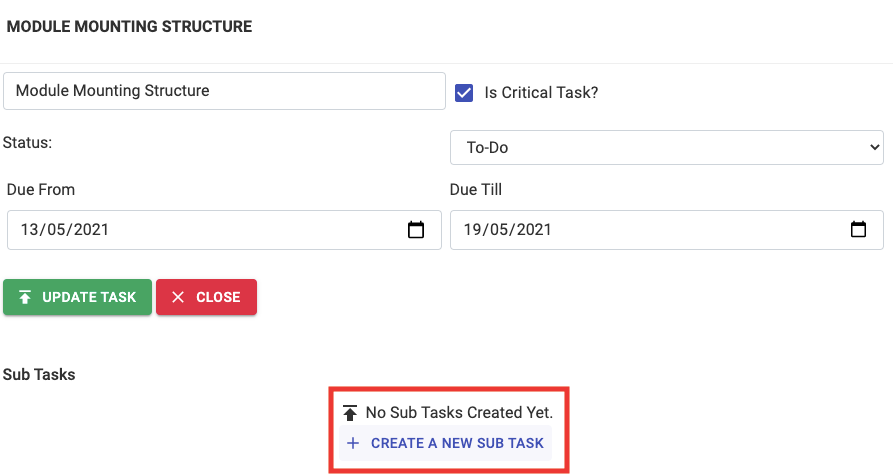
Step 4: Click on + Create A New Sub Task
Step 5: Enter the necessary details

Step 6: Click on + Create Sub Task

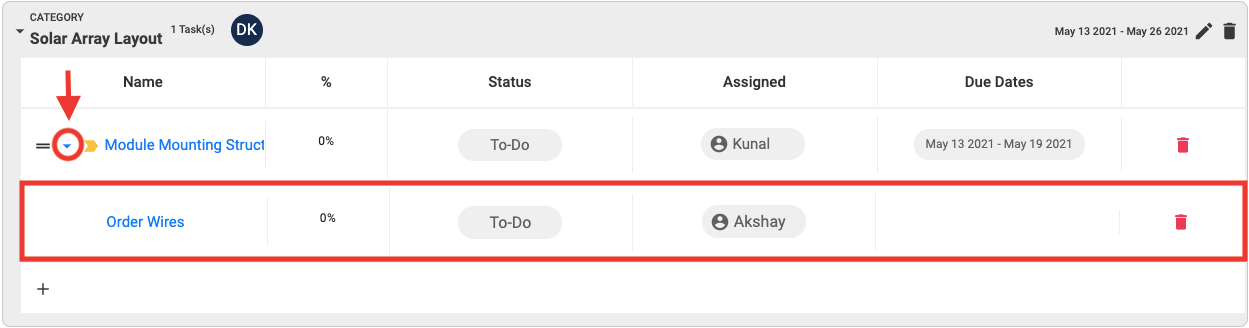
You will now be able to see all the Sub-Task created for any Task by Clicking on the Drop Down Arrow of the main Task
Share This Blog Post: