

How To Add Project Members In A Project
Step 1: Open the Project you want to add a member to and Go to Project Members

Step 2: Select the User you want to add from the list of Team Members
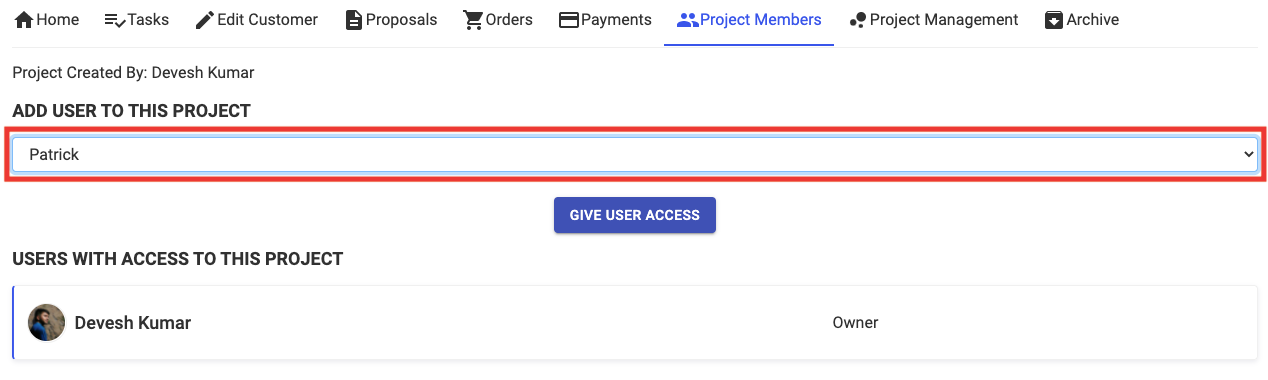
Step 3: Click on Give User Access and then Press OK
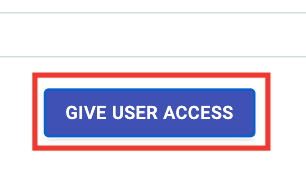
New Member will be added to the project
Share This Blog Post: