

How To Add Items in Books
Step 1: Open Books Tab and Go to "Items"

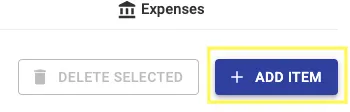
Step 2: Click on "+ Add Item"
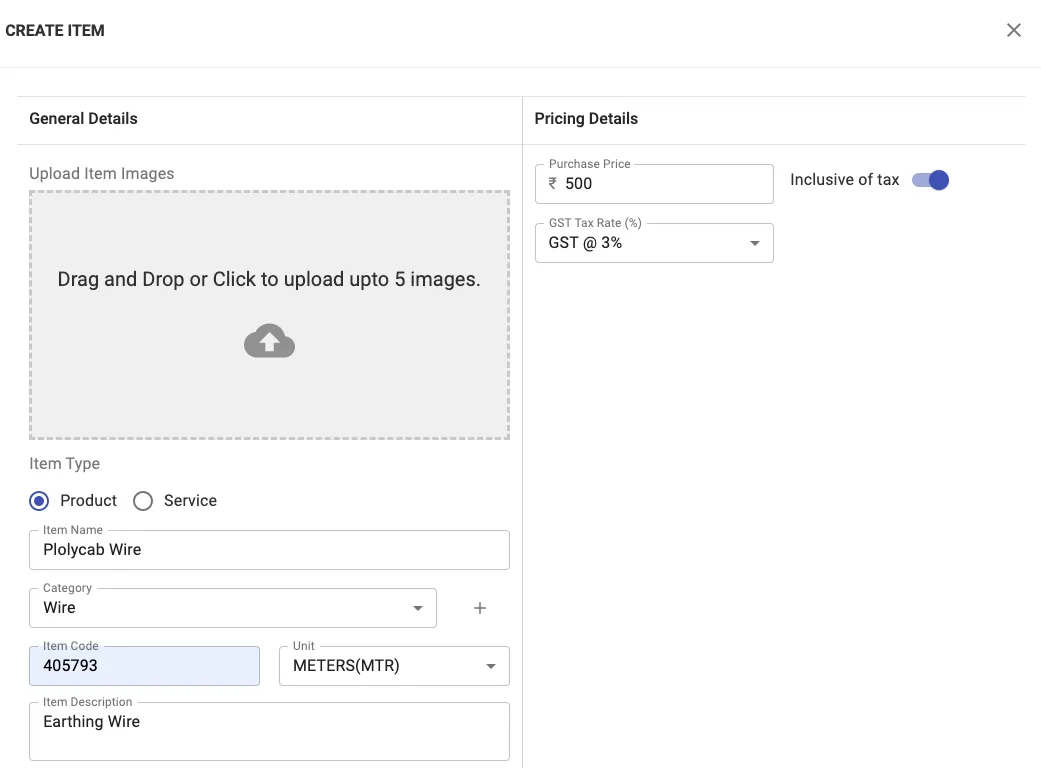
Step 3: Enter the necessary details
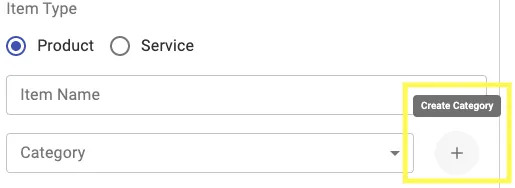
In category, if you want to add a new category, Click on "+"
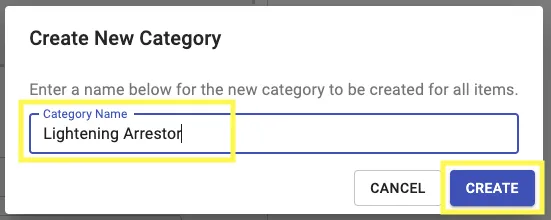
Add the Category Name and Click on Create
Step 4: Click on Save
Items will be added to the list
Share This Blog Post: