

How To add a Member to a Ticket
Step 1: Go to Ticketing Tab

Step 2: Click on the project you want to add a member to
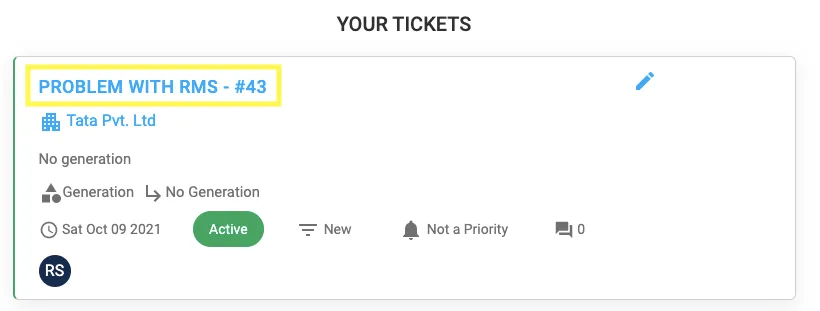
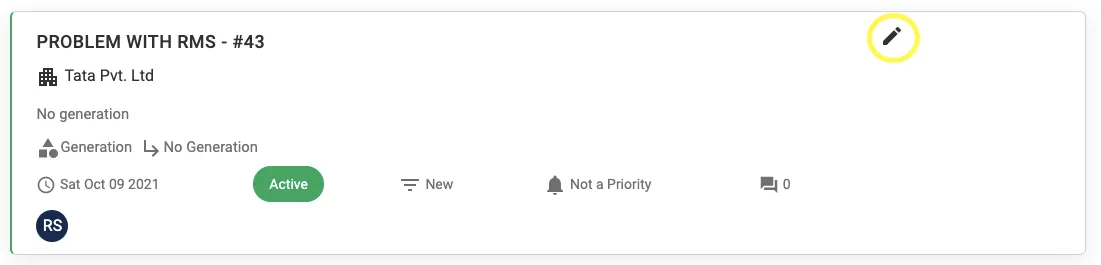
Step 3: Click on the Pen Icon
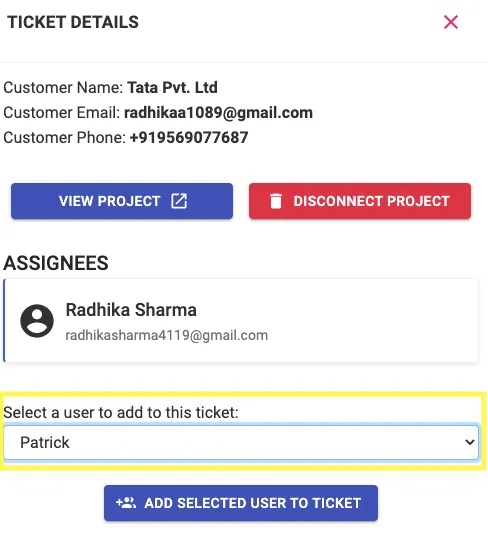
Step 4: Select the concerned User
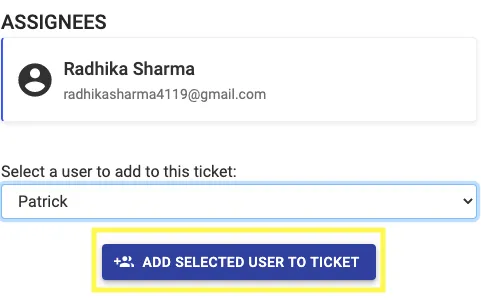
Step 5: Click on Add Selected User To Ticket
Share This Blog Post:
Step 1: Go to Ticketing Tab
Step 2: Click on the project you want to add a member to
Step 3: Click on the Pen Icon
Step 4: Select the concerned User
Step 5: Click on Add Selected User To Ticket